Ship your web app without the infrastructure headache
Deploily's web application deployment service takes care of the hard parts — from SSL to CI/CD — whether you're bringing your own server or starting from scratch.
Deploying a web application sounds simple until you're three hours into configuring Nginx, chasing down an SSL renewal error, and wondering why your CI pipeline silently stopped working. It's the kind of work that doesn't ship features — it just unblocks them.
Deploily's web application deployment service exists to absorb that friction. The idea is straightforward: tell us your app, tell us your server situation, and we handle the rest — from environment setup to going live.
Two paths to production
Every project starts with the same question: where does this run? Deploily supports two answers.
BYO Server
Your own infrastructure
Already have a server? We deploy directly onto it. You keep full control; we handle all the setup work on top.
Recommended
Managed VPS
No server? Pick one of our VPS plans. Pre-configured, monitored, and ready to deploy — nothing to manage yourself.
What we take off your plate
Regardless of which path you choose, the deployment work is the same. Here's what Deploily handles end-to-end:
🔐 Subscribe to Mobile Application Deployment with Deploily
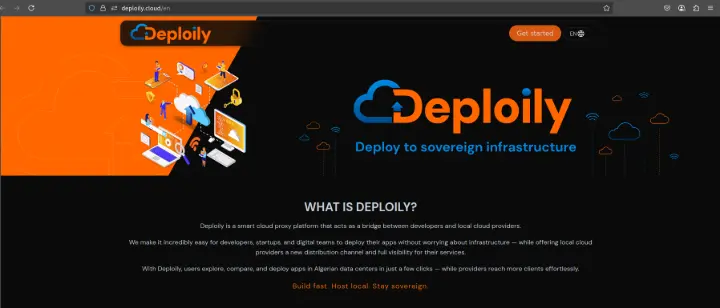
✅ Step 1: Visit the Deploily Website
Go to the official website:
🌐 Step 2: Access the Developer Portal
You will be redirected to:
🔗 https://console.deploily.cloud/en/portal/home
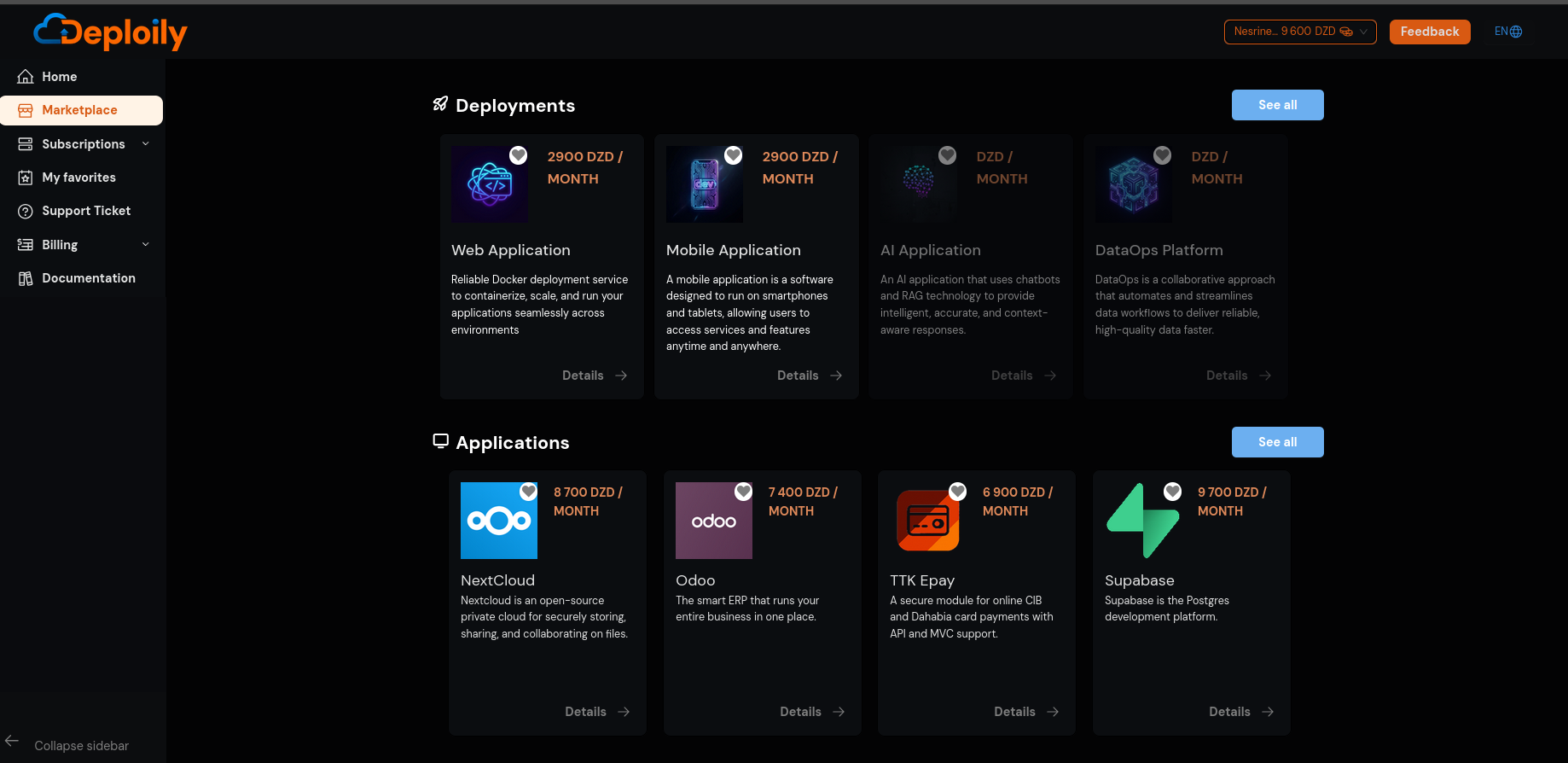
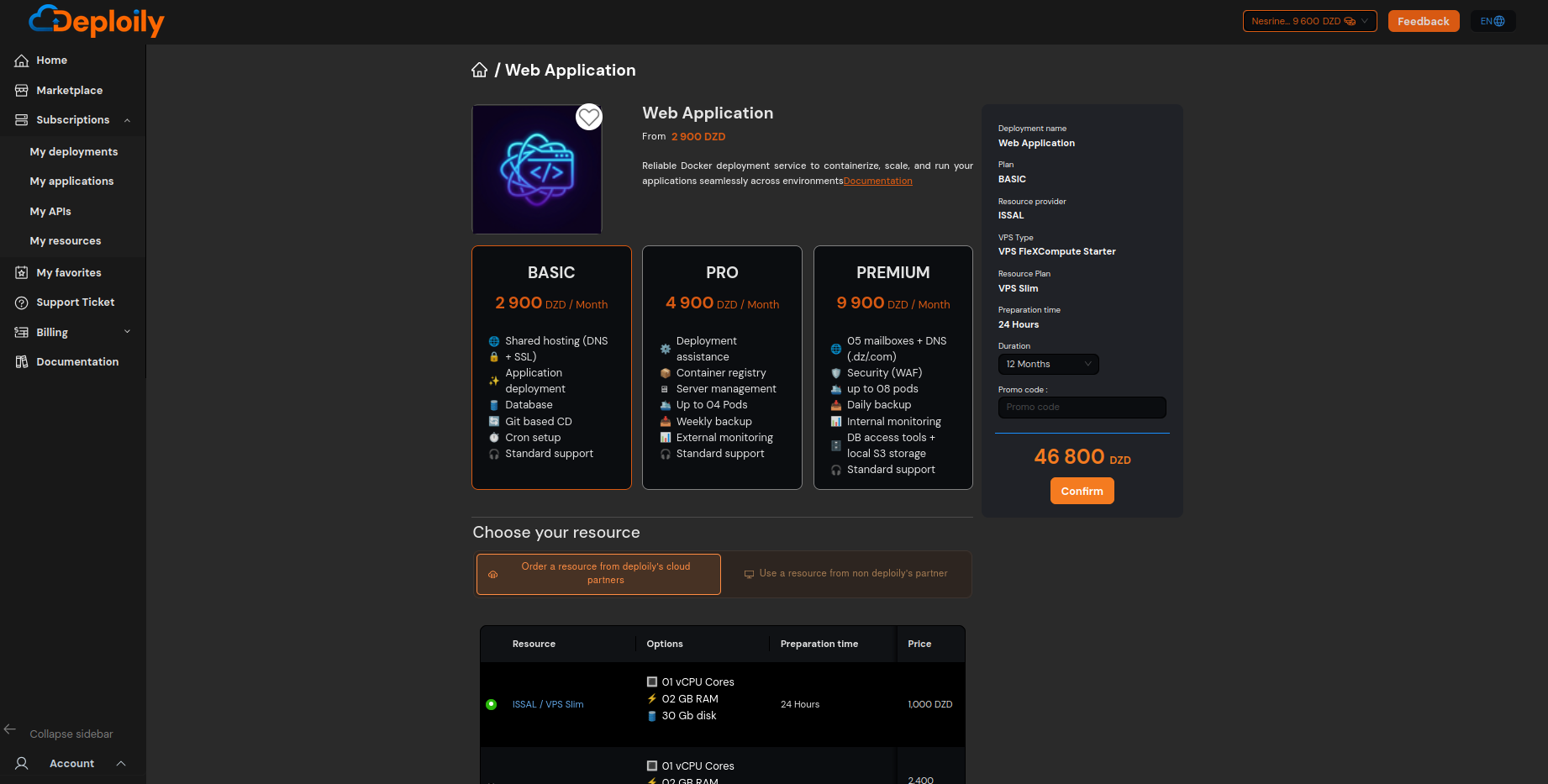
🔍 Step 3: Choose Web Application
Click on Web Application to see the details. Then choose a pricing plan,specify the subscription period that meets your needs and confirm your subscription
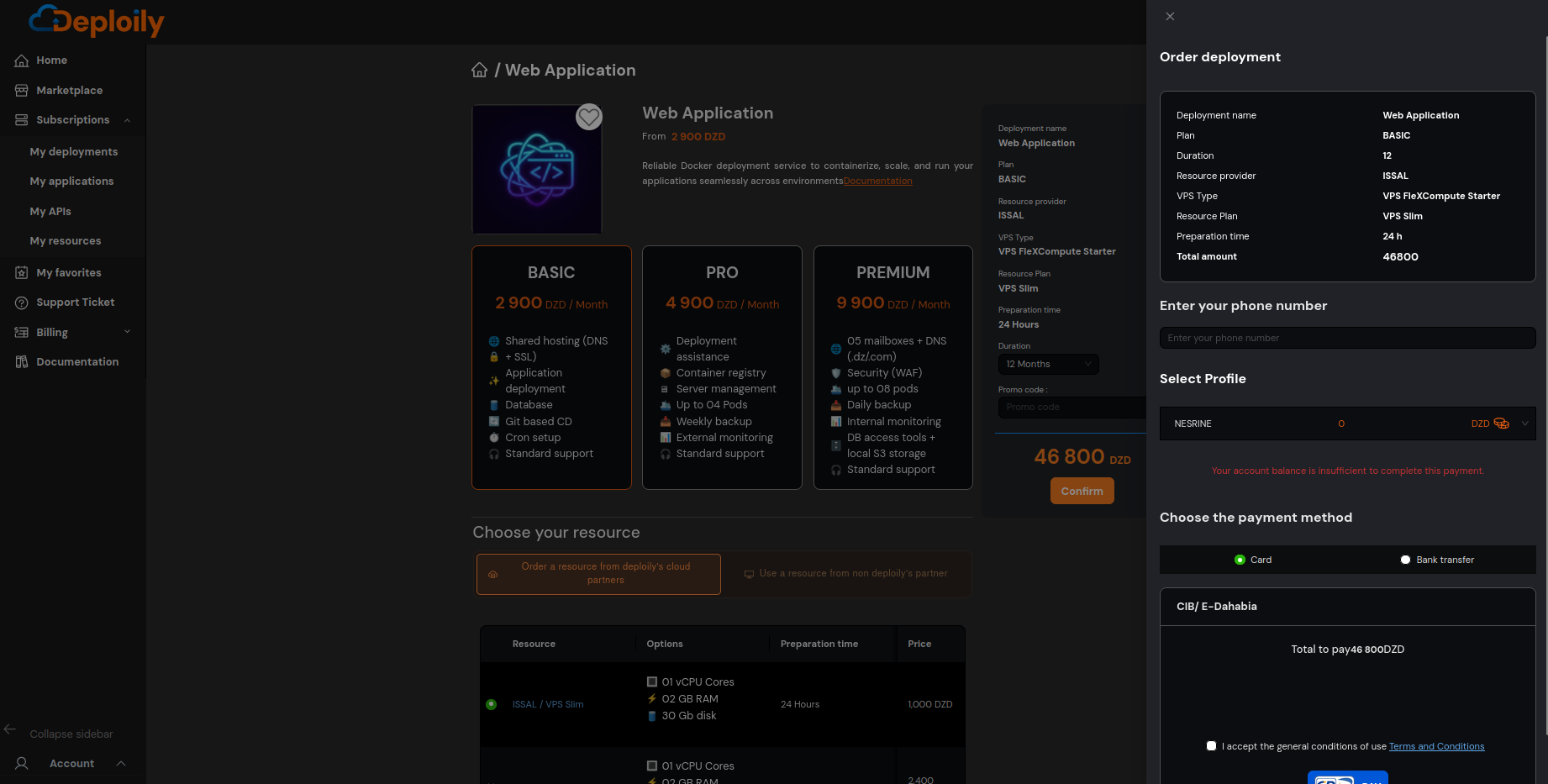
Enter your phone number, then choose a payment method and confirm.
🔐 Step 4: Access Your Subscriptions
After subscribing:
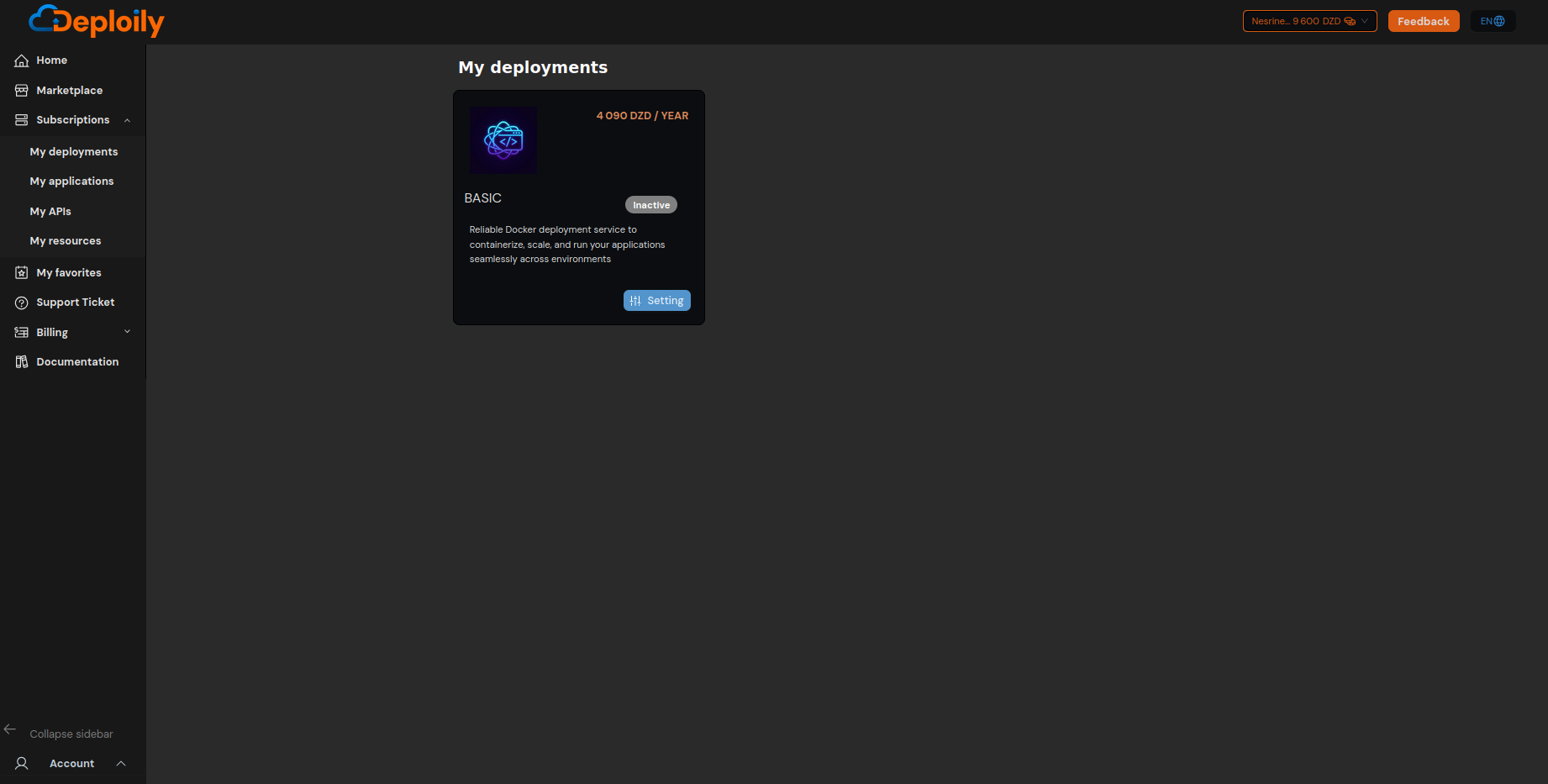
1.Go to the “My deployments” section.
2.Find your subscription to Web Application.
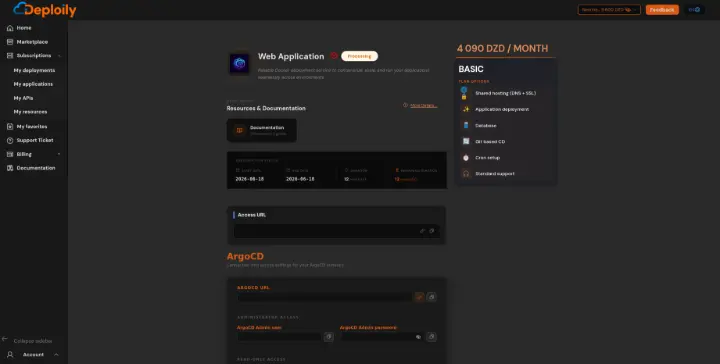
3.Click on “Settings”.