You've built a mobile app. Getting it into the hands of users through official stores is a separate discipline — one that involves certificates, compliance reviews, metadata, and back-and-forth with Apple and Google. Deploily takes that entire process off your plate.
What the service covers
From the moment you hand over your build to the day your app goes live, Deploily manages every step. Here's what's included:
Google Play Store
Full Android publishing, account setup, and release management. .
Apple App Store
iOS publishing with certificate handling and TestFlight coordination.
Signing & certificates
We manage signing keys and build configs so you don't have to.
Store metadata
Title, description, screenshots, and all listing assets prepared for you.
Build packaging
APK / AAB / IPA preparation and release packaging for submission.
Update management
Version releases and ongoing update cycles handled continuously.
The publishing workflow
The process moves through five clear phases, with Deploily owning the technical work at every stage.
You provide the app build (APK, AAB, or IPA) along with required store assets — logo, screenshots, and descriptions.
Technical validation of the build, compliance checks against Google and Apple policies, and signing certificate setup.
Developer accounts are created or configured as needed, and the app listing is set up on both stores.
The build is uploaded to the store console and submitted for review. Any feedback or rejection issues are handled for you.
Once approved, your app is publicly available. Deploily continues monitoring for updates or issues post-launch.
🔐 Subscribe to Mobile Application Deployment with Deploily
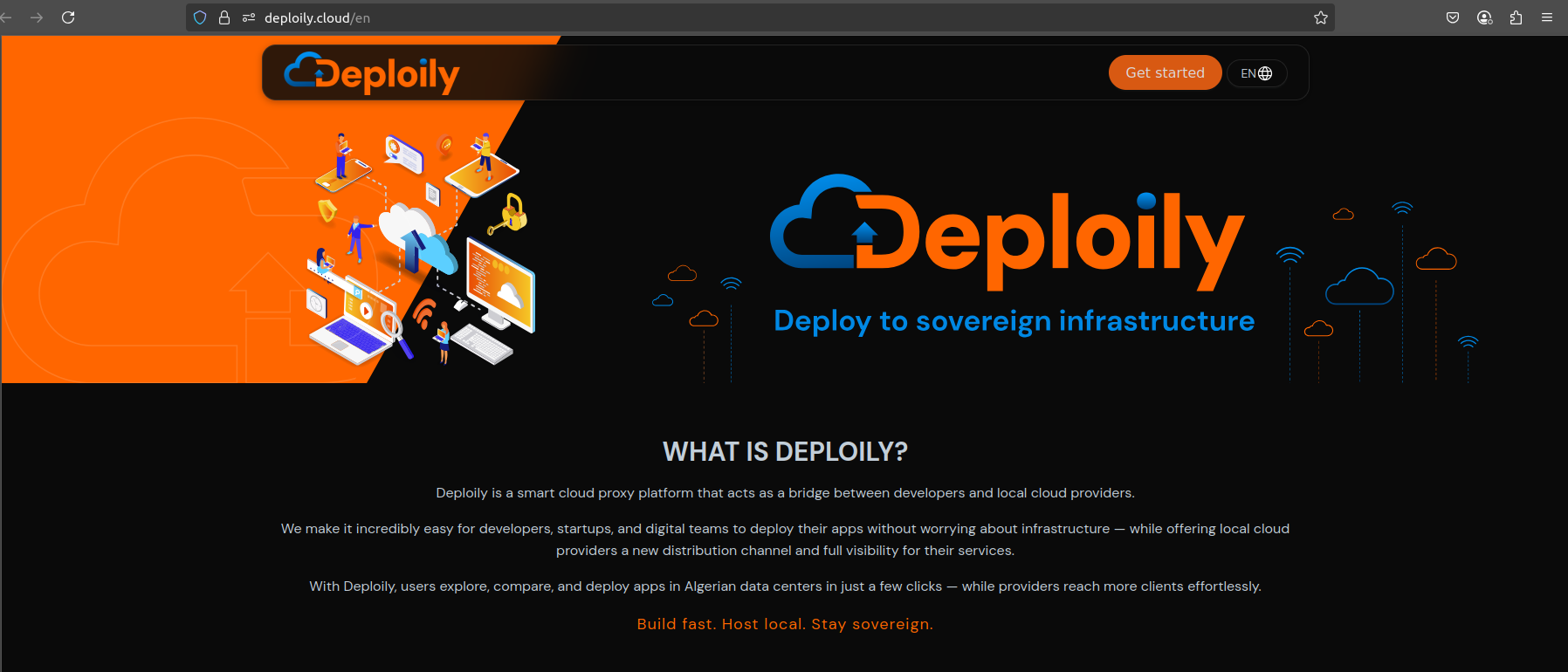
✅ Step 1: Visit the Deploily Website
Go to the official website:
🌐 Step 2: Access the Developer Portal
You will be redirected to:
🔗 https://console.deploily.cloud/en/portal/home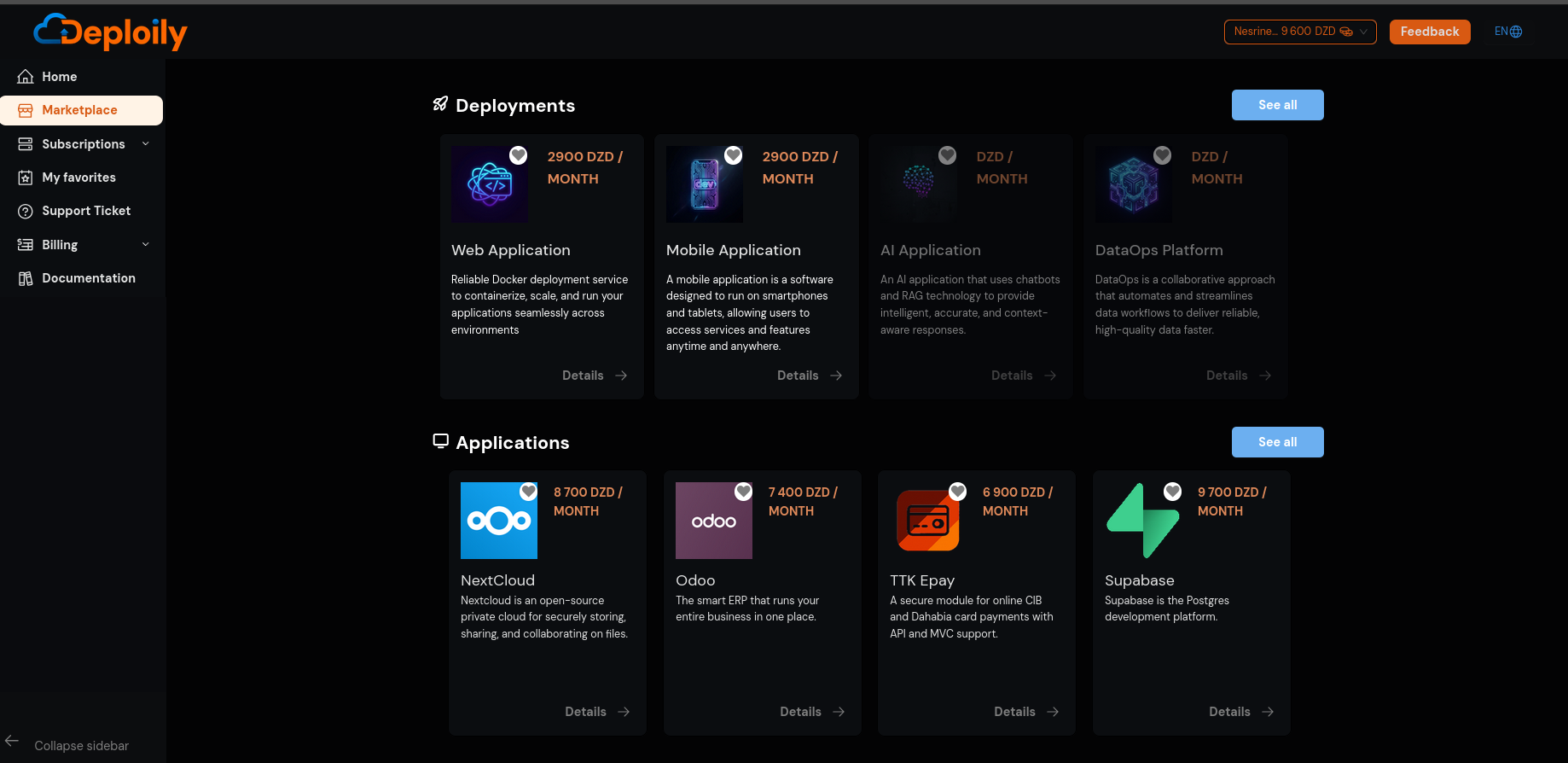
🔍 Step 3: Choose Mobile Application
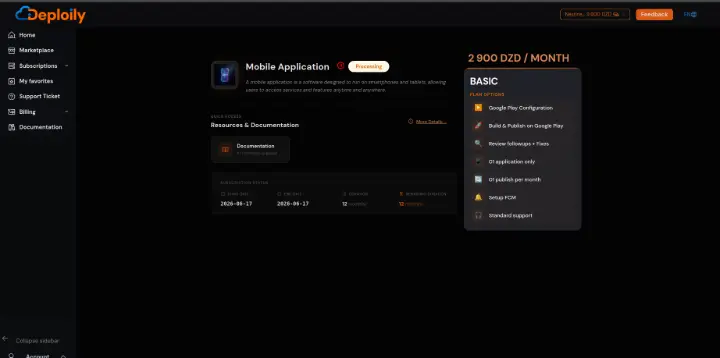
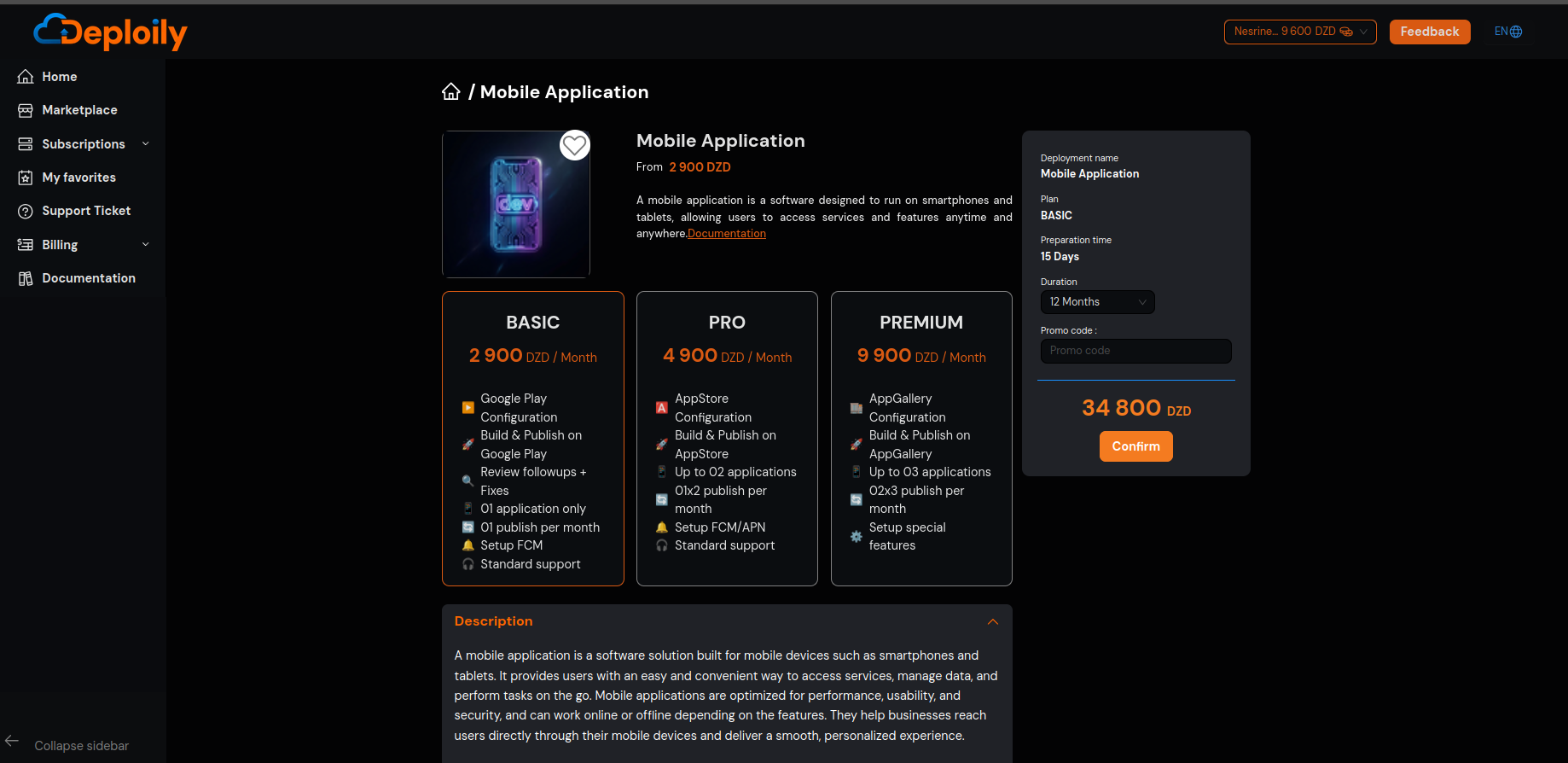
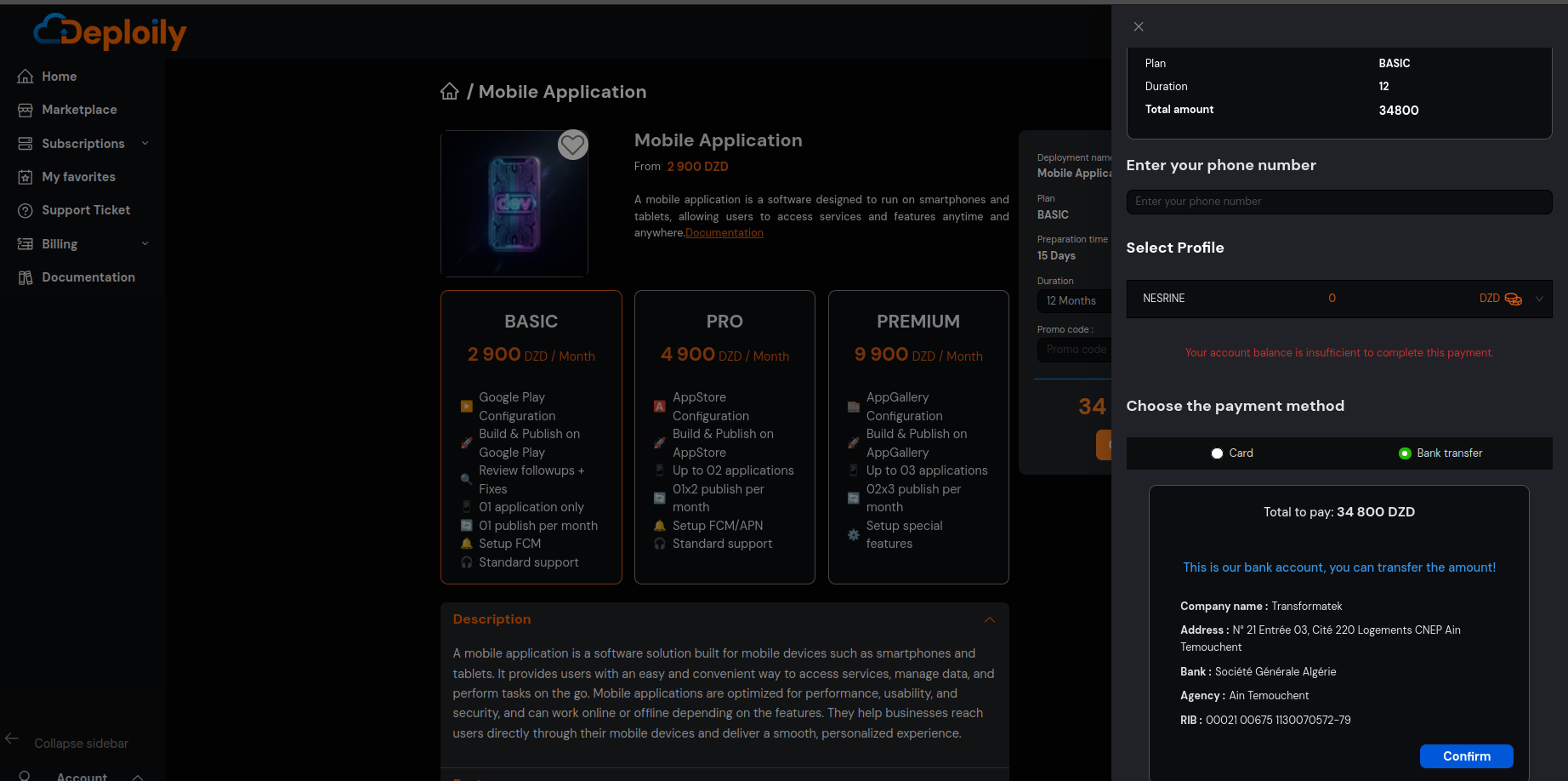
Click on Mobile Application to see the details. Then choose a pricing plan,specify the subscription period that meets your needs and confirm your subscription
🔐 Step 4: Access Your Subscriptions
After subscribing:
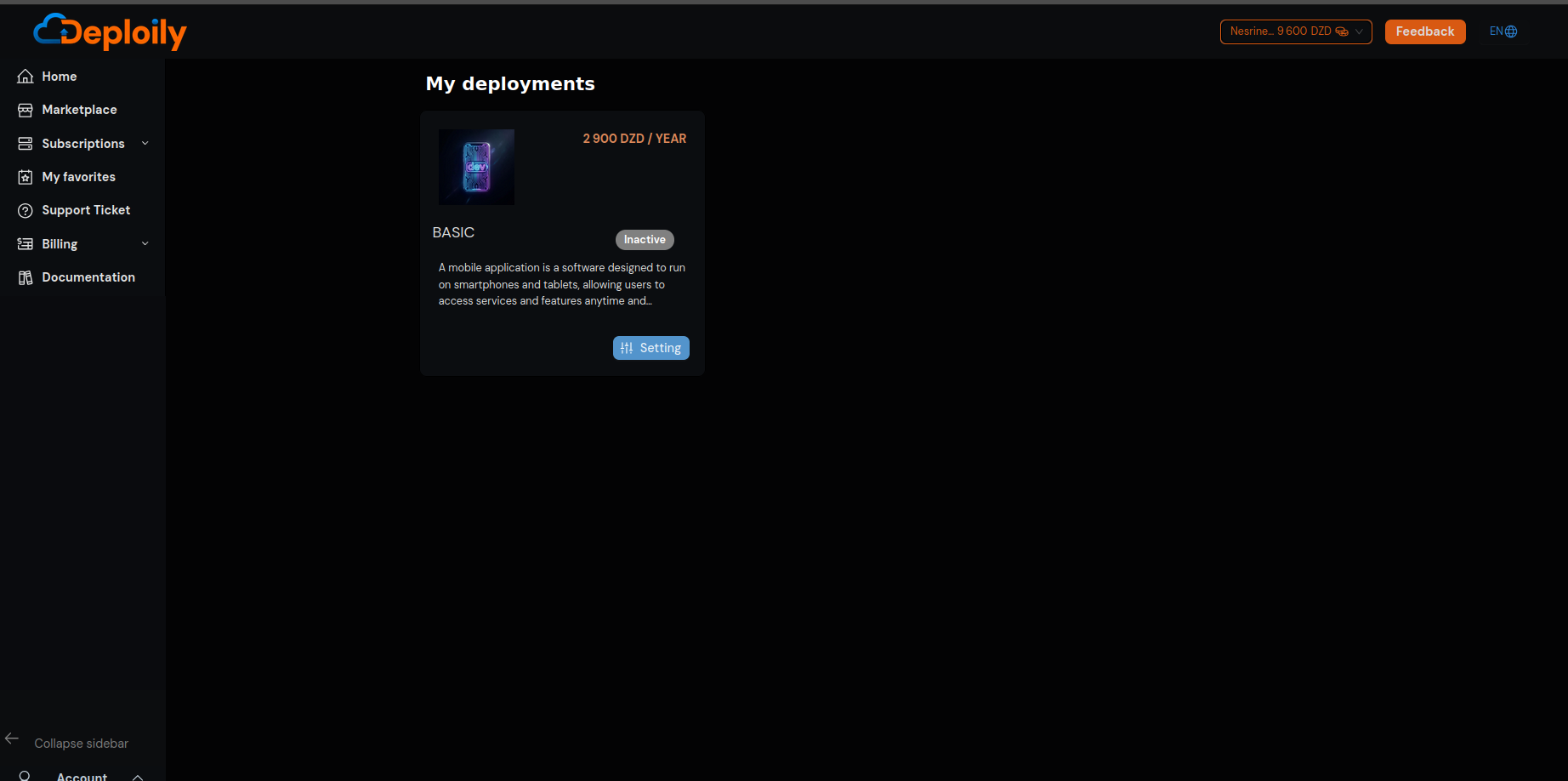
1.Go to the “My deployments” section.
2.Find your subscription to Mobile Application.
3.Click on “Settings”.