
Introduction
The Wilaya/Commune API helps you find commune and wilaya details using geographic coordinates. Simply provide latitude and longitude to get accurate location data. It’s useful for mapping, address lookup, and location-based services. Secure access is ensured with API keys .
Use Case: Automatically Detect Wilaya and Commune via GPS
Scenario:
You want to simplify the user experience on your website or app. Instead of asking users to manually select their wilaya and commune, you use their device’s GPS to detect their location and fill in the data automatically.
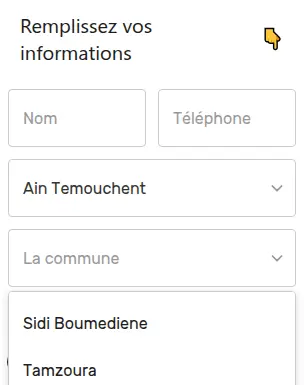
How It Works:
- The user allows access to their location (via browser or mobile device).
- Your website gets their GPS coordinates (latitude and longitude).
- You send those coordinates to the Deploily Wilaya API.
- The API returns the exact wilaya and commune.
- You auto-fill the form fields on your site.
Benefits:
- ✅ No manual selection
- 🧠 Reduced errors in address data
- ⚡ Faster form completion
- 📍 Ideal for services that require location data (e.g. booking, delivery, registration)
What Is the Wilaya API?
The Wilaya/Commune API is part of the Deploily Geospatial Suite, and it allows you to:
- Get the wilaya (province) from any GPS point
- Retrieve detailed commune (municipality) data
- Benefit from a hosted, secure
Unlike outdated static databases or web scraping, Deploily offers a real-time, developer-friendly API with professional features and scalable performance.
👉 Here is the official GitHub repository of the Wilaya/Commune API:GitHub Repository
📘 You can also read the full API documentation here:Wilaya API Docs
How to Subscribe and Get an API Key for Wilaya/Commune API on Deploily
Follow these simple steps to subscribe to the Wilaya/Commune API and generate your API key in just a few minutes.
✅ Step 1: Visit the Deploily Website
Go to the official website:
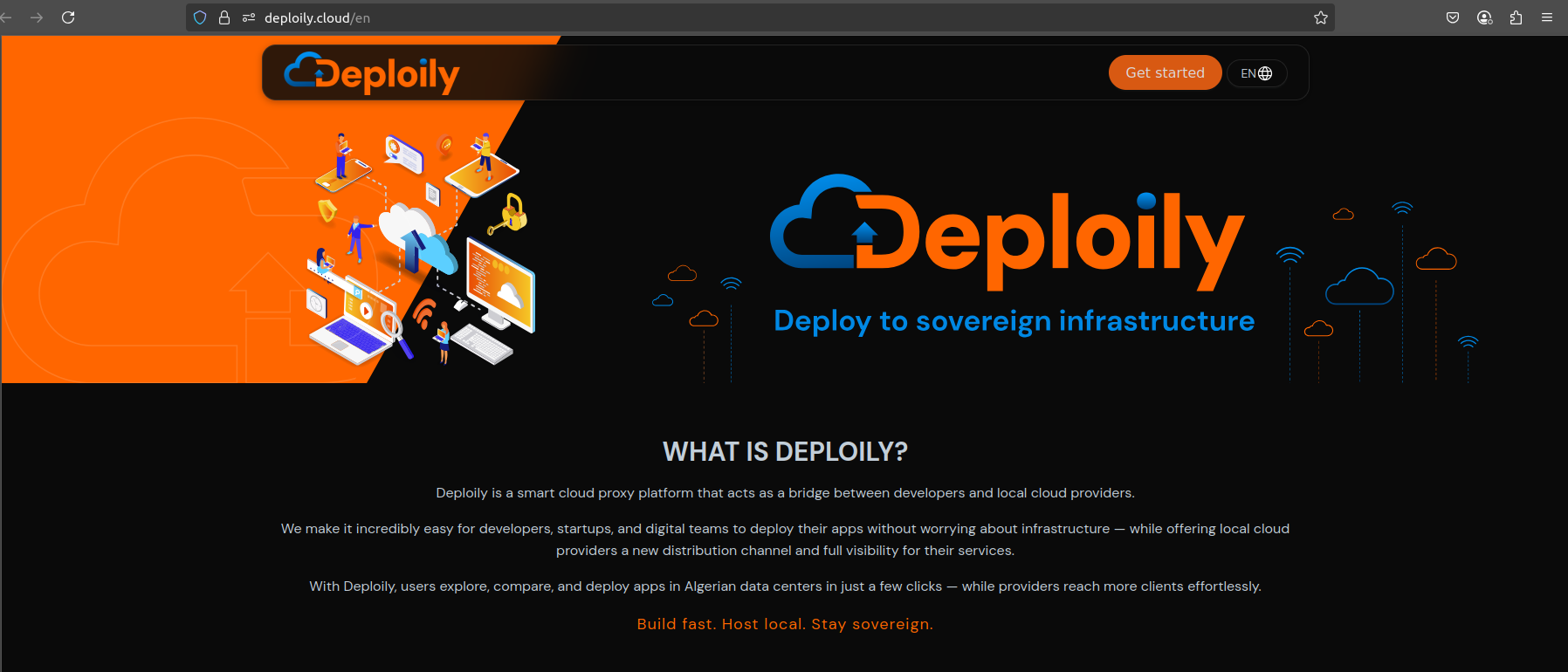
Then click on “Get Started” to access the API Developer Portal.
🌐 Step 2: Access the Developer Portal
You will be redirected to:
🔗 https://console.deploily.cloud/en/portal/home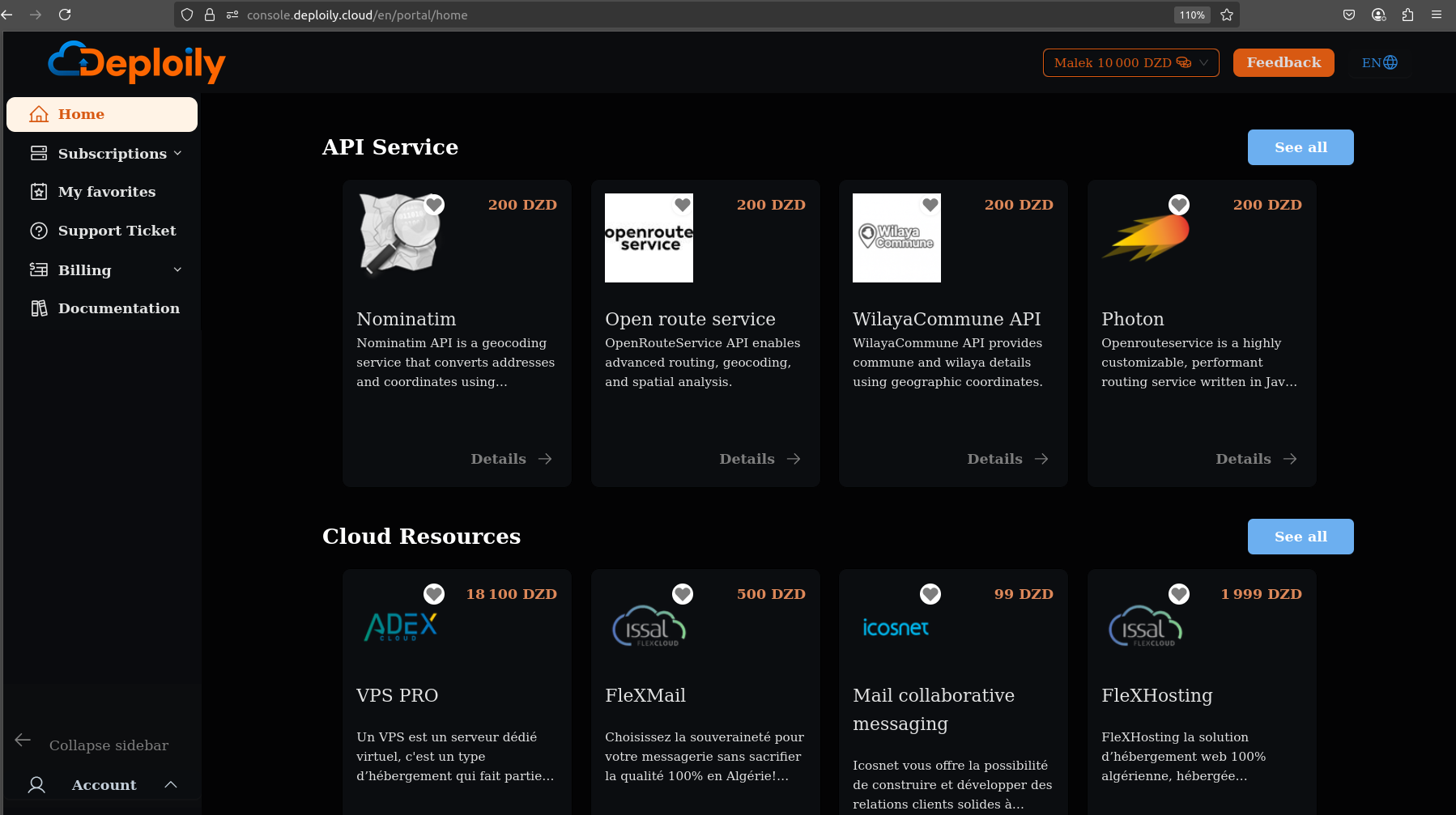
Here, you will see a list of available APIs. Look for WilayaCommune API.
🔍 Step 3: Choose Your API Plan
Click on WilayaCommune API to see the details. Then choose a pricing plan
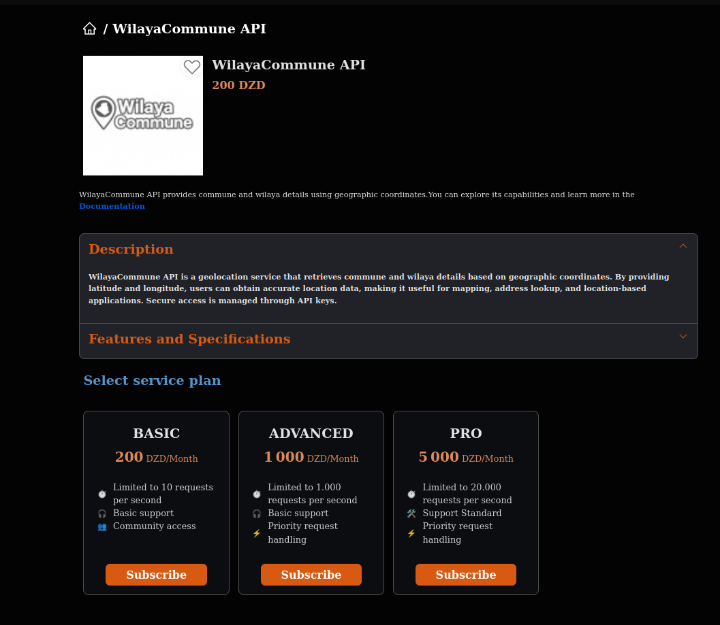
Click on the Subscribe button and confirm your subscription.
🔐 Step 4: Access Your Subscriptions and Generate Your API Key
After subscribing:
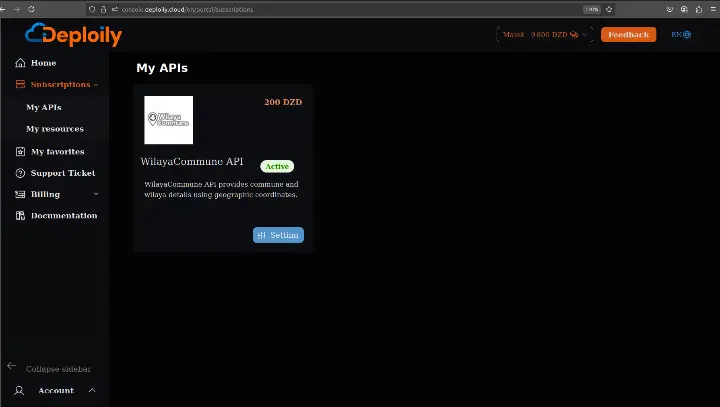
1.Go to the “My APIs” section.
2.Find your subscription to WilayaCommune API.
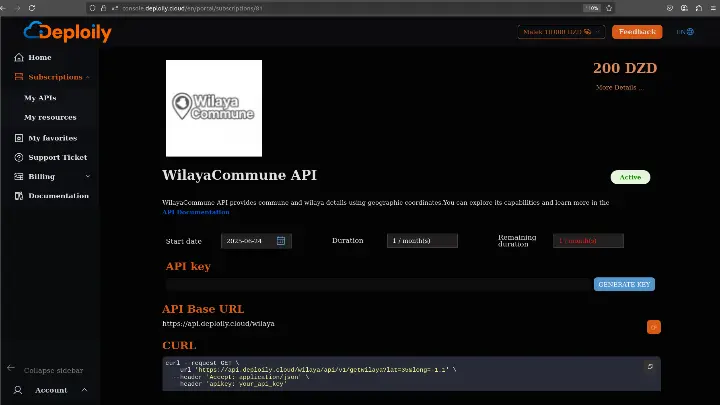
3.Click on “Settings”.
4.Click “Generate Key” to obtain your API key.
💡 Step 5: Test the API with Curl
Click on “API Documentation”
Endpoints available:
- Get wilaya by coordinates
- Get commune by coordinates
Select an endpoint.
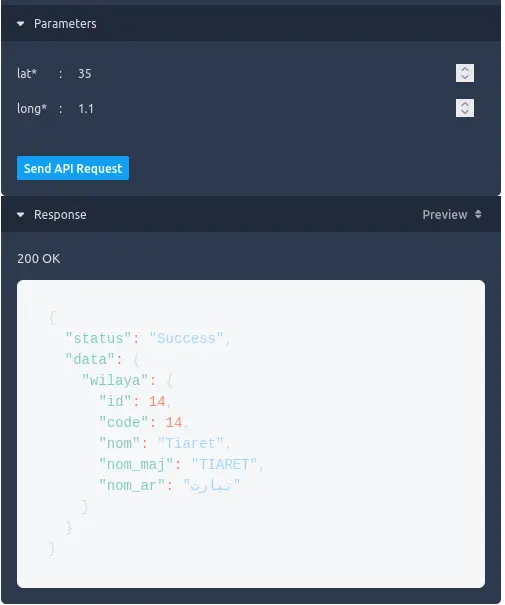
Enter latitude and longitude (e.g. 35, -1.1).
Add your API key in the authentication field.
Click Send Api Request view the live JSON response.
✅ Result
If everything is correct, you’ll receive a live JSON response like this:
Setup
Clone the Repository
To begin, clone the project repository:
git clone https://github.com/transformatek/geospatial-apis-python-tutorials.git
cd geospatial-apis-python-tutorials
Environment Setup
Before running the script, export your Deploily API key:
export API_KEY=your_api_key_here
How the Script Works
Let’s break down the Python script into clear, documented steps.
1. Load API Key from Environment
import os
API_KEY = os.getenv("API_KEY")
2. Call the Deploily Wilaya API
import requests
url = "https://api.deploily.cloud/wilaya/api/v1/getWilaya"
params = {"lat": 35, "long": -1.1}
headers = {"Accept": "application/json", "apikey": API_KEY}
response = requests.get(url, params=params, headers=headers)
Sample Output
{
"status": "Success",
"data": {
   "wilaya": {
   "id": 13,
   "code": 13,
   "nom": "Tlemcen",
   "nom_maj": "TLEMCEN",
   "nom_ar": "تلمسان"
}
}
}
Each field in the JSON response means:
- status: shows the request was successful ("Success").
- id: internal ID of the wilaya.
- code: official administrative code.
- nom: name in French (e.g., "Tlemcen").
- nom_maj: name in uppercase ("TLEMCEN").
- nom_ar: name in Arabic ("تلمسان").
Script Location
Main script used in this tutorial:
📄 Wilaya